Overview
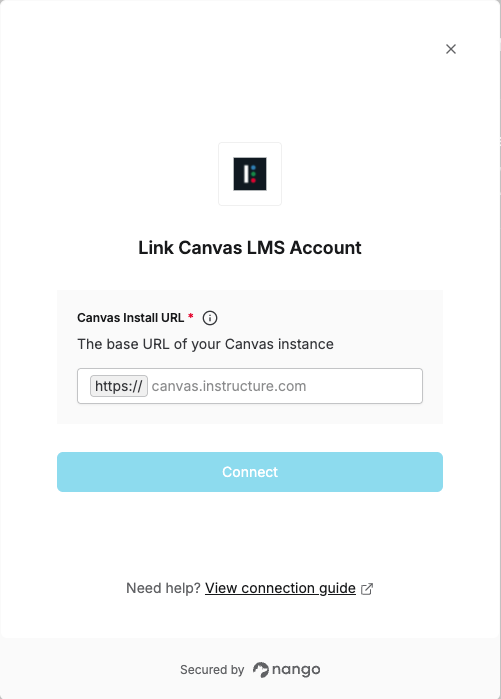
To authenticate with Canvas LMS, you will need:- Canvas Install URL - The base URL of your Canvas instance.
Prerequisites:
- You must have access to a Canvas LMS instance
Instructions:
Step 1: Finding your Canvas Install URL
The Canvas Install URL is the base domain where your Canvas instance is hosted. This can be:- Instructure-hosted Canvas:
canvas.instructure.comoryour-school.instructure.com - Self-hosted Canvas: Your institution’s custom domain (e.g.,
canvas.yourschool.edu)
- Log in to your Canvas LMS instance.
- Look at the URL in your browser’s address bar.
- The domain (without the path) is your Canvas Install URL.
Step 2: Enter credentials in the Connect UI
Once you have your Canvas Install URL:- Open the form where you need to authenticate with Canvas LMS.
- Enter your Canvas Install URL in its respective field.
- Submit the form, and you should be successfully authenticated.