Overview
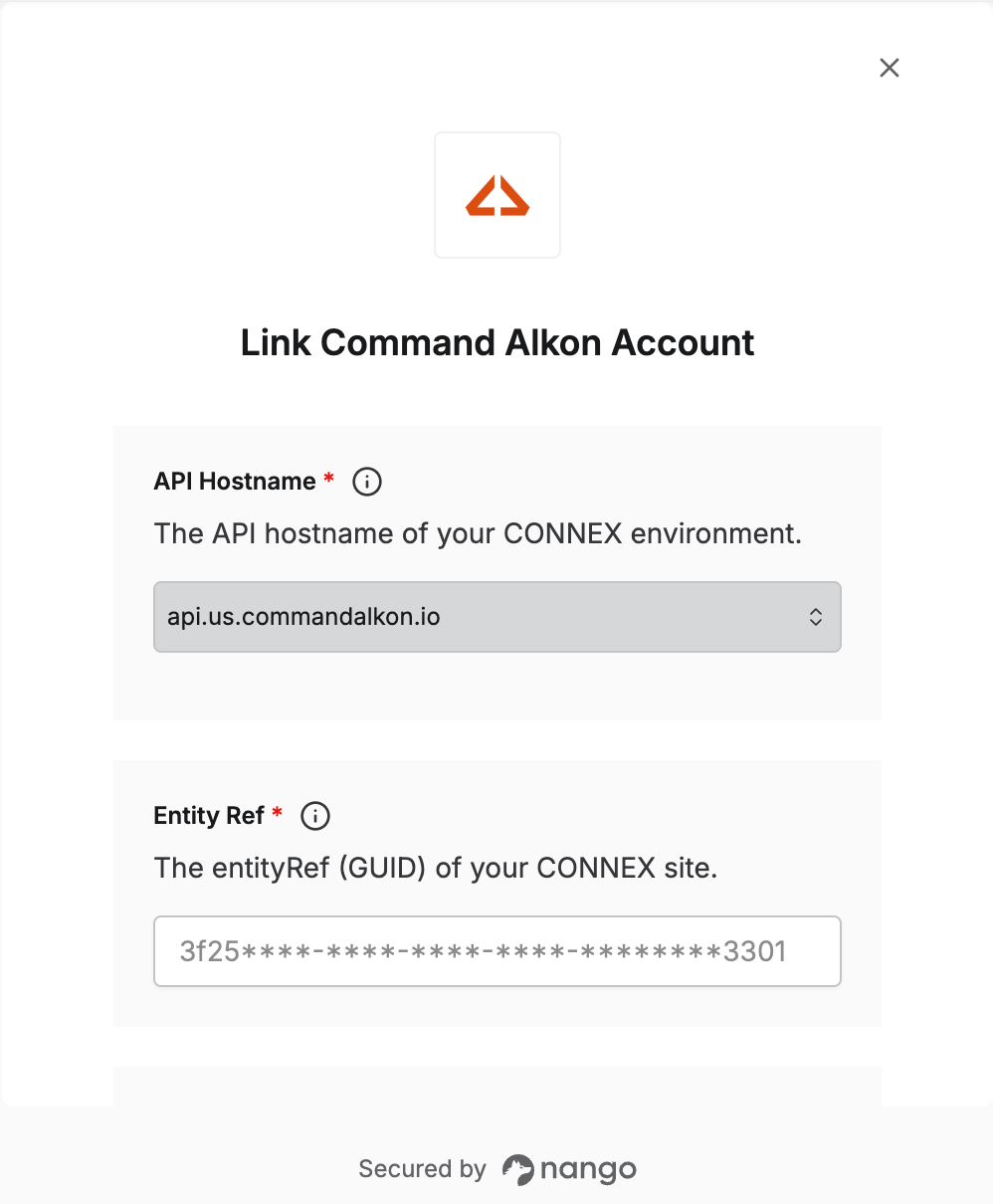
To connect with Command Alkon CONNEX, you need these credentials:- API Hostname — the API host for your CONNEX environment, such as
api.us.commandalkon.io. - Entity Ref — the GUID of your CONNEX site.
- API Key — sent as the
x-api-keyheader on every request. - Client ID, Client Secret, and API Scope Ref — used to get access tokens.
Step 1: Find your API hostname
Your API hostname depends on where your CONNEX environment is hosted. Find it from the address you use to log in to CONNEX. If you log in atconnex.us.commandalkon.io, your API hostname is api.us.commandalkon.io.
Step 2: Get your API credentials
Command Alkon issues API credentials when you sign up for API access. They aren’t available in the CONNEX app.- Contact your Command Alkon representative or Command Alkon support to request API access for your site.
- Command Alkon sends you the API key, entity ref, client ID, client secret, and API scope ref. Store them securely.
Step 3: Enter your credentials in the Connect UI
- Open the form where you need to authenticate with Command Alkon.
- Select your API Hostname and enter your Entity Ref, API Key, Client ID, Client Secret, and API Scope Ref.
- Click Connect.