Overview
To authenticate with Firstbase, you will need:
- API Key - A key that grants secure access to the API, enabling authorized applications to interact with Firstbase resources and services.
This guide will walk you through generating your API Key within Firstbase.
Prerequisites:
- You must have a Firstbase account with administrator access.
Instructions:
Step 1: Generate your Firstbase API Key
- Log in to the Firstbase application as an administrator.
- Navigate to the Settings menu in the top navigation bar.
- Click on the Firstbase API tab.
- Enter a name for your API key (e.g., “Development” or “Production”) and click the button to generate it.
Once your API key is generated, ensure you copy it to a secure location as it won’t be shown again.
Step 2: Enter credentials in the Connect UI
Once you have your API Key:
- Open the form where you need to authenticate with Firstbase.
- Enter your API Key in its designated field.
- Submit the form, and you should be successfully authenticated.
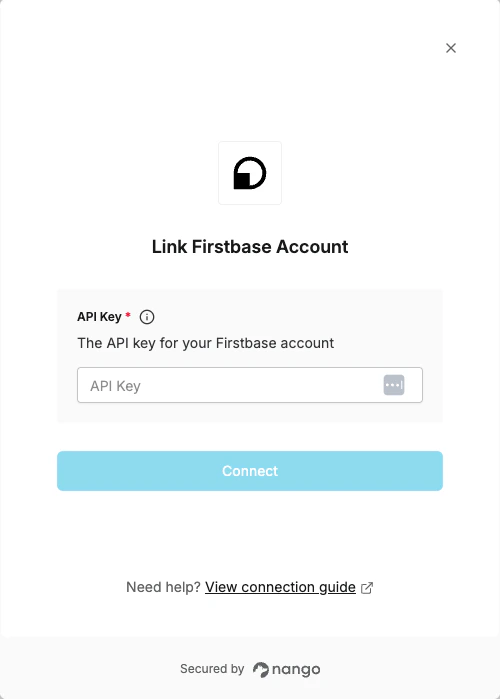 You are now connected to Firstbase.
