Overview
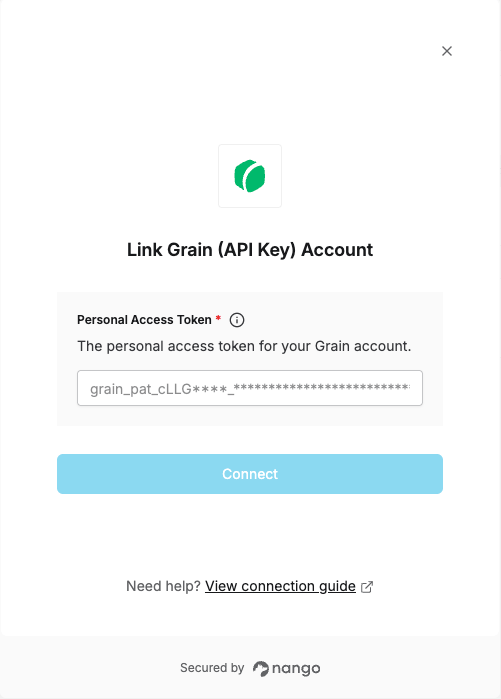
To authenticate with Grain, you need:- Personal Access Token - A token that gives access to all meetings your Grain user can access.
Prerequisites
- A Grain account.
Instructions
Step 1: Generate a personal access token
- Sign in to Grain.
- Go to Settings > Integrations > Personal API, or open the Personal API page directly.
- Under Personal tokens, click Generate personal API token.
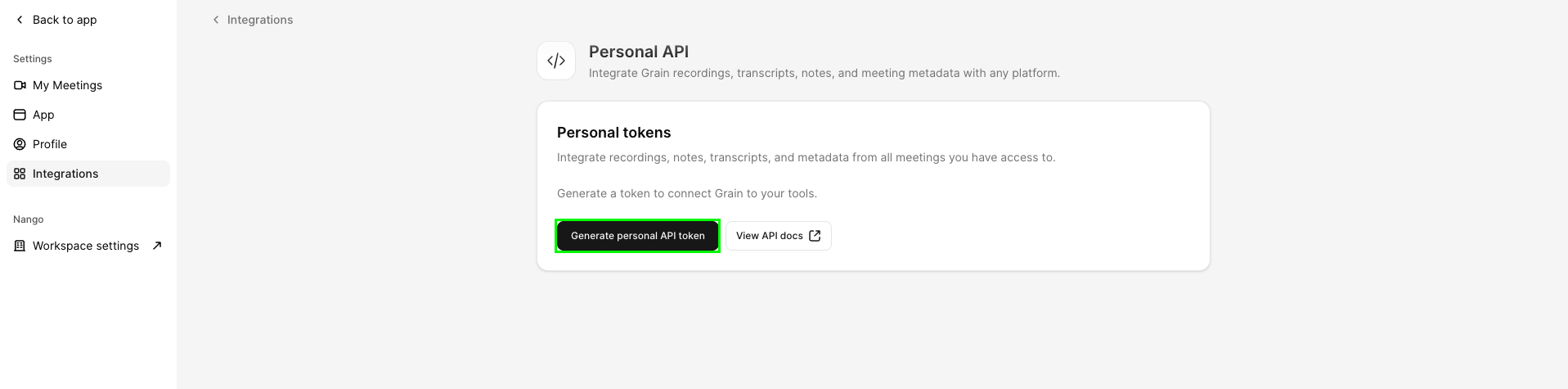
- Copy the token and store it securely. It starts with
grain_pat_.
Step 2: Enter credentials in the Connect UI
Once you have your Personal Access Token:- Open the form where you need to authenticate with Grain.
- Paste your token into the Personal Access Token field.
- Click Connect.