Overview
To authenticate with ProvenExpert, you need:
- API ID - Your ProvenExpert API ID for authentication.
- API Key - Your ProvenExpert API Key for authentication.
This guide will walk you through obtaining your API ID and API Key within ProvenExpert.
Prerequisites
- An active ProvenExpert account with a PLUS, PREMIUM, or ENTERPRISE plan.
Instructions
Step 1: Getting Your Credentials
- Log in to your ProvenExpert account.
- Navigate to Administration > Developer API.
- Copy your API ID and API Key.
The API is available starting from the PLUS plan. If you don’t see the Developer API section, you may need to upgrade your plan.
Step 2: Enter credentials in the Connect UI
Once you have your API ID and API Key:
- Open the form where you need to authenticate with ProvenExpert.
- Enter your API ID and API Key in the respective fields.
- Submit the form, and you should be successfully authenticated.
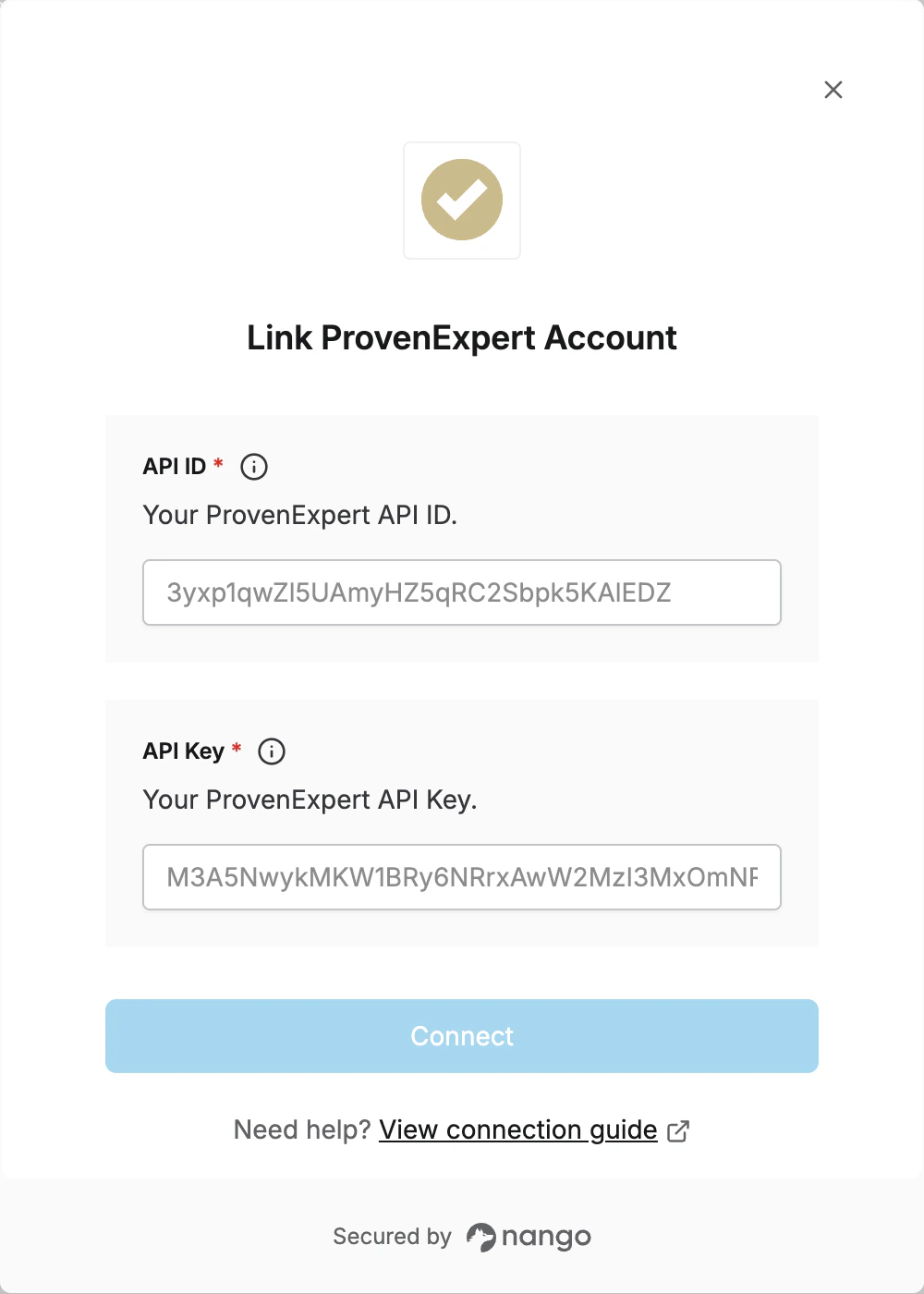 You are now connected to ProvenExpert.
