Overview
To authenticate with Ashby, you need:
- API Key - A key that grants Nango permission to interact with Ashby’s APIs resources and services.
This guide will walk you through generating an API Key within Ashby.
Prerequisites:
- You must have an Ashby account.
Step 1: Generating Your API Key
- Go to Admin > Integrations > API Keys.
- Click + New.
- Enter a name for your API key (e.g. “Nango Integration”).
- (Optional) Select an Integration Partner from the dropdown.
- Use the checkboxes to assign read and/or write permissions to each module.
- Hover over the i icon next to each module to see which endpoints it includes.
- (Optional) Enable access to confidential jobs, if needed.
- Click Save and Continue to finalize your key. An API Key will then be generated.
If you misplace or forget your API key, you won’t be able to retrieve it later. You’ll need to create a new one.
Step 2: Enter credentials in the Connect UI
Once you have your API Key:
- Open the form where you need to authenticate with Ashby.
- Enter your API Key in the designated field.
- Submit the form, and you should be successfully authenticated.
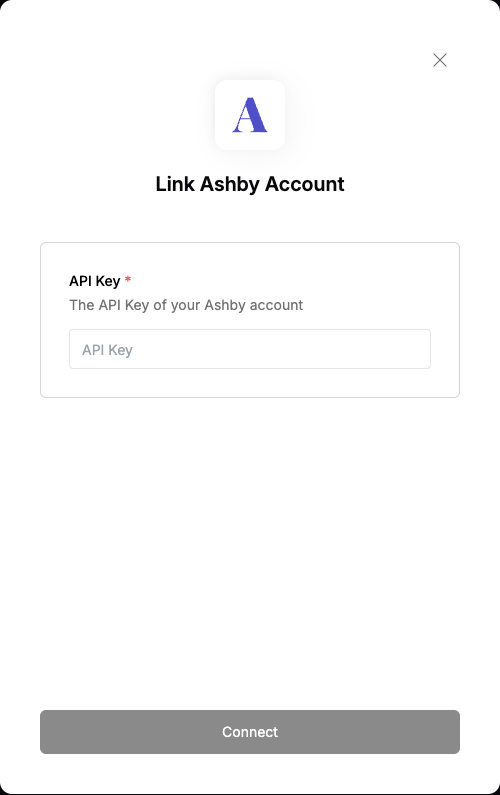 You are now connected to Ashby.
