Overview
To authenticate with Cursor Admin, you need:
- API Key - A key that grants Nango permission to interact with Cursor Admin API resources and services.
This guide will walk you through obtaining your API Key within Cursor.
Prerequisites:
- You must have an account with Cursor with necessary permissions to generate an Admin API Key.
Instructions:
Step 1: Finding Your API Key
- Log in to your Cursor account.
- Navigate to cursor.com/dashboard → Settings tab → Advanced → Admin API Keys.
- Click Create New API Key to generate your API Key.
Copy the generated key immediately; you won’t see it again.
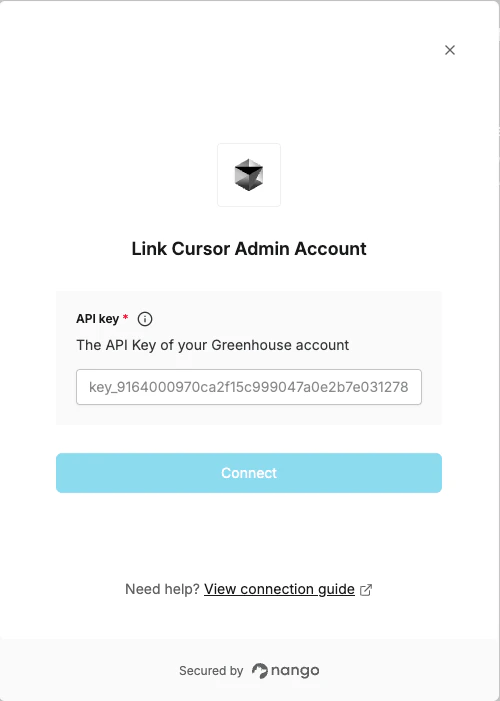
Step 2: Enter credentials in the Connect UI
Once you have your API Key:
- Open the form where you need to authenticate with Cursor Admin.
- Enter your API Key in its respective field.
- Submit the form, and you should be successfully authenticated.
 You are now connected to Cursor Admin.
